Join the right Roblox experience
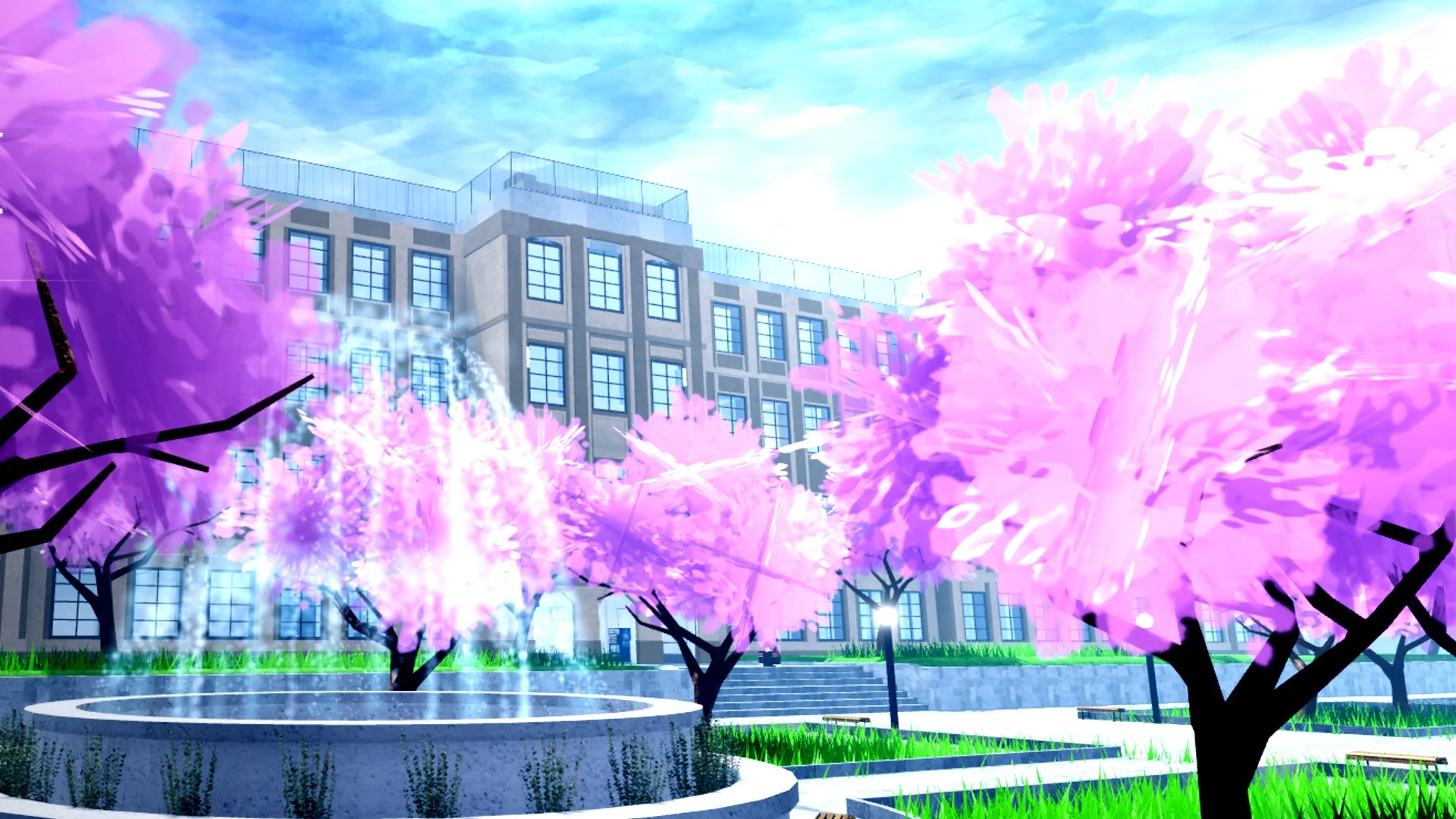
Open Morioh High by Not A Stand Game. The developer describes a school-life game set in present-day Morioh, Japan, with classes, relationships, groups and NPC interactions.
The direct place ID is 111838814545019. Use that listing when you are following a video or playing with friends so everyone enters the same experience. The Roblox community linked from its creator credit is Not A Stand Game.
If Roblox cannot open the experience, keep the message it shows. A launch problem should be resolved before following an in-game guide. Roblox's joining-an-experience help page explains the client launch process.
A simple first-session plan
Start by orienting yourself, then choose one activity. The checklist below is a suggested learning route, so you can pause it or rearrange it around what you want to try. Your checked items stay in this browser.
Use the codes page for exact strings and the Settings menu route. Code rewards add resources; copying a code on this website does not make a claim inside Roblox.
Explore the school loop
Classes, friendships, rivalries and groups belong to the game's official premise. Approach an activity and read the current prompt before committing. When an NPC offers choices, pay attention to the wording instead of assuming a reward or quest route from a different Roblox game.
The release trailer shows basketball in the gym and scenes around campus. If you are joining with friends, choosing a shared activity is an easy way to avoid spending the session searching for one another.
| If you want to… | Try this first |
|---|---|
| Explore school life | Look for a class or NPC interaction and read its prompt. |
| Claim free resources | Join the creator community, then use Settings → Codes. |
| Get a supernatural ability | Read the Stand entry in the in-game Encyclopedia. |
| Choose a membership perk | Compare the eight listed clubs and pick a benefit you use often. |
| Learn combat | Practice the visible attack, block and dash inputs. |
Check the club-perk table before joining a club. A running perk and a lesson-income perk support different routines; the useful choice depends on your next activity.
Start your Stand progression
You begin without a Stand in the recorded Encyclopedia entry. It describes awakening through a qualifying real-fight knockout or through a Stand Arrow held to 100% compatibility. Those are acquisition routes; replacing an existing Stand is a separate resource purchase.
Read how to get your first Stand for the conditions. After awakening, try your own kit before deciding whether to spend Rerolls or Arrow Shards. The Stand directory groups release-week profiles by role and rarity.
Learn a few controls at a time
The PC HUD shows Q for dash and F for block. With a Stand active, it shows RMB for barrage, X for the Stand skill and Z for withdrawal. Review the full controls table alongside your live HUD.
As a practice routine, start with movement and blocking, then add one attack. Try one Stand skill at a time so you can see what it does. Learning a short sequence you can repeat is a better starting point than trying to copy a long combo immediately.
Watch the school in motion
The trailer introduces the setting and activities. Current prompts in the game determine which interaction is available to you.